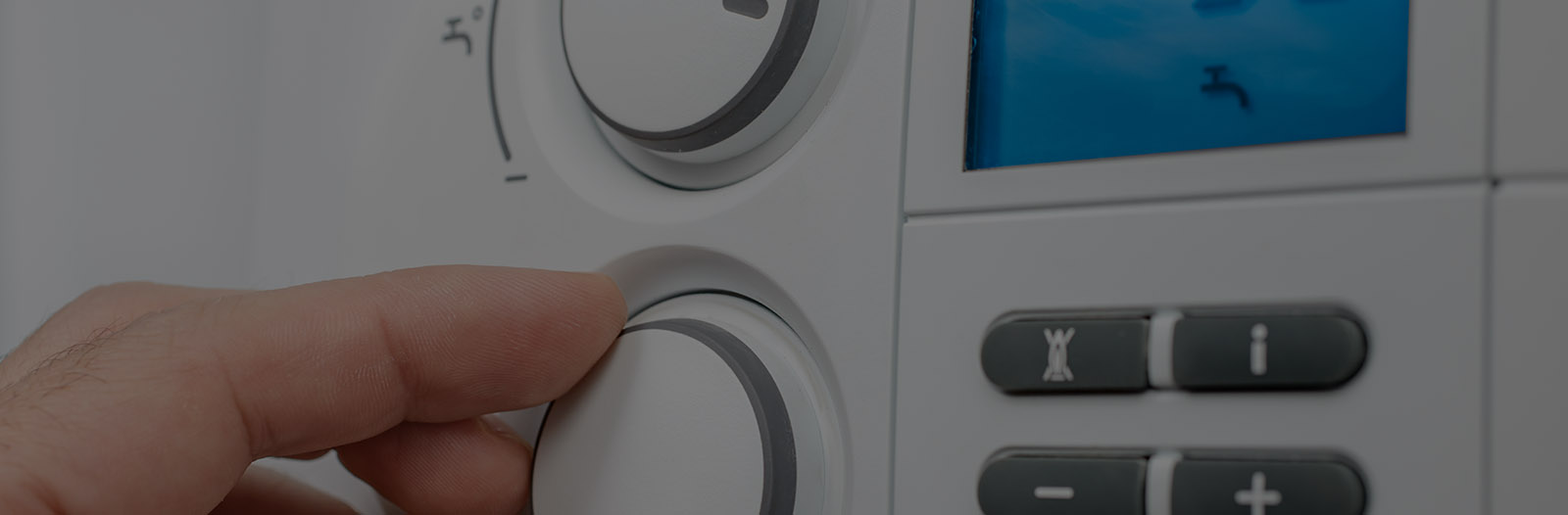
If your thermostat is not working and the heating is playing up, it can be hard to know where to start. A few simple checks can often get things running again or at least help you explain the problem clearly to a heating engineer.
Safe basic checks before you call for help
Before you start, make sure you know where your boiler, thermostat, receiver (if fitted) and any separate programmer or timer are located. Keep children and pets away from the work area while you are checking.
Only carry out basic visual and user-level checks. If you suspect loose wiring, burning smells, or anything electrical that looks unsafe, stop immediately and contact a qualified heating engineer.
Replace thermostat batteries: Many wireless and digital thermostats use AA or AAA batteries. Low power can cause blank screens, wrong readings or lost connection to the receiver.
Reset the thermostat: Use the reset button or follow the manual to restore default settings if the display is frozen or unresponsive.
Check boiler pressure: On most combi and system boilers, the pressure gauge should sit around 1.0 to 1.5 bar when cold. Very low pressure can stop heating, even if the thermostat is fine.
Confirm programmer is on: If you have a separate programmer, make sure the heating channel is set to “On” or “Auto” at the time you expect heat.
Test by calling for heat: Turn the thermostat up to a higher temperature than the room to see if the boiler fires and radiators start to warm.
Common thermostat and heating control issues
Many thermostat faults are not true breakdowns but settings or small problems that are easy to miss. Working through the most likely issues can save you time and frustration.
Flat batteries or lost pairing to the receiver
If your thermostat is wireless, flat batteries are one of the most common reasons for failure. The screen may be dim, slow to respond, or completely blank.
After changing batteries, check that the thermostat is still paired to its receiver near the boiler. If receiver lights are flashing or a different colour than usual, it may have lost its link. Most models have a pairing or “bind” process in the manual that you can follow.
Incorrect schedule or mode (holiday/away)
Modern thermostats often run on a daily or weekly schedule. If someone has changed the times or temperatures, the heating might be turning off earlier than you expect or never quite reaching the set temperature.
Look through the schedule and check for very low set points, especially overnight or in the evening. Also check for “Holiday”, “Away” or “Frost protection” modes, which can hold the house at a low background temperature and ignore the normal programme.
Location problems: drafts, sunlight and heat sources
Thermostats need a fair reading of the room temperature. If yours is in direct sunlight, above a radiator, near a draughty door or right by a kitchen, it can misread the conditions.
Cold drafts can trick the thermostat into thinking the house is cooler than it is, so the boiler runs longer. Strong sunlight or nearby appliances can have the opposite effect, making the thermostat think the house is warm and shutting the heating down early.
Reading wrong temperature and other odd behaviour
Why is my thermostat reading wrong temperature?
If the reading on the thermostat seems very different from the actual room temperature, first check the location as above. Move away from walls, windows or hot appliances and see if it feels closer to what is shown on screen.
Next, check for “offset” or “calibration” settings in the menu. Some thermostats let you fine tune the reading by 1 or 2 degrees to match a trusted room thermometer. If the reading is wildly out or jumps around, the sensor could be failing and you may need a replacement.
Smart thermostat app settings and connectivity
With smart thermostats, the app settings are just as important as the device on the wall. Check that the app is logged in, connected to Wi‑Fi and showing the correct home or property.
Look for any “eco”, “away” or “geofencing” features that might be holding the temperature lower than you expect when your phone is detected as out of the house. If the thermostat has recently lost internet or power, some systems default to a basic schedule until they reconnect.
Heating stuck on versus heating will not come on
The symptoms you see at the radiators can help narrow down the cause. Think about whether your main issue is lack of heat, or heat that will not turn off.
Heating will not come on
If the house is cold and the radiators stay cool, start with these checks:
Thermostat set high enough and in “Heat” mode
Programmer or timer showing “On” or “Auto” for heating
Boiler pressure in the normal range and no error codes on the boiler display
Receiver lights showing that it is getting a call for heat from the thermostat
If the thermostat is clearly calling for heat but the boiler does nothing, there could be a wiring issue, a failed receiver or a boiler fault. Boiler interlock wiring problems and control faults should always be handled by a qualified engineer.
Heating stuck on and will not turn off
If the heating runs continuously even when the thermostat is turned right down, there may be a stuck motorised valve, a wiring problem or a failed control. In some cases the boiler may continue to run because it is not seeing the signal that heat is no longer required.
Try turning off the heating at the programmer and setting the thermostat very low. If the boiler keeps running or the radiators stay hot, turn off the system using the main isolation switch near the boiler and call an engineer for diagnosis.
Boiler interlock wiring and when to stop
Modern systems use an interlock between the controls and boiler so that the boiler only fires when heat is needed. Incorrect wiring or a failed component in this chain can cause both “no heat” and “stuck on” problems.
Interlock issues are not a DIY job. If you are tracing the problem and find loose cables, heat damage, or anything that looks like internal wiring, stop and arrange a professional repair. Safety should always come first.
Considering an upgrade to a smart thermostat
If your current thermostat is awkward to use or keeps losing its settings, it could be a good time to think about a smart upgrade. The biggest benefit is usually comfort and control rather than headline cost savings.
Smart thermostats typically offer easier scheduling on your phone, room-by-room control with smart TRVs, and the ability to adjust settings when you are away from home. They can help keep rooms at steadier temperatures and make it simpler to tailor heating to your routine.
Do smart thermostats work with combi boilers?
Most modern smart thermostats are designed to work very well with combi boilers, as long as they are installed correctly and are compatible with your specific model. Many offer on/off control, and some can connect using digital protocols where supported.
To avoid issues, always check compatibility with the manufacturer or a heating engineer before buying. Proper wiring and setup are essential so that the combi boiler and thermostat communicate safely and efficiently.
When to call A Armstrong Plumbing & Heating
If you have worked through these quick checks and your thermostat is still not working properly, it is time to get professional help. Thermostat faults can be linked to wider boiler and system issues that are best handled by an expert.
When you contact A Armstrong Plumbing & Heating on 07904590952, let us know the make and model of your thermostat, whether your boiler is a combi or system, and describe the symptoms you are seeing, such as “heating will not come on” or “stuck on all the time”. The more detail you can give, the quicker we can diagnose the fault and get your heating comfortable and reliable again.